 Cyber
CyberHow to Beatmatch: Step-by-Step, by Ear and With Sync
A plain-English method for beatmatching by ear. It covers the listening cues that show whether a track is fast or slow, a worked tempo example, and differences between controllers, CDJs, turntables and drum and bass.
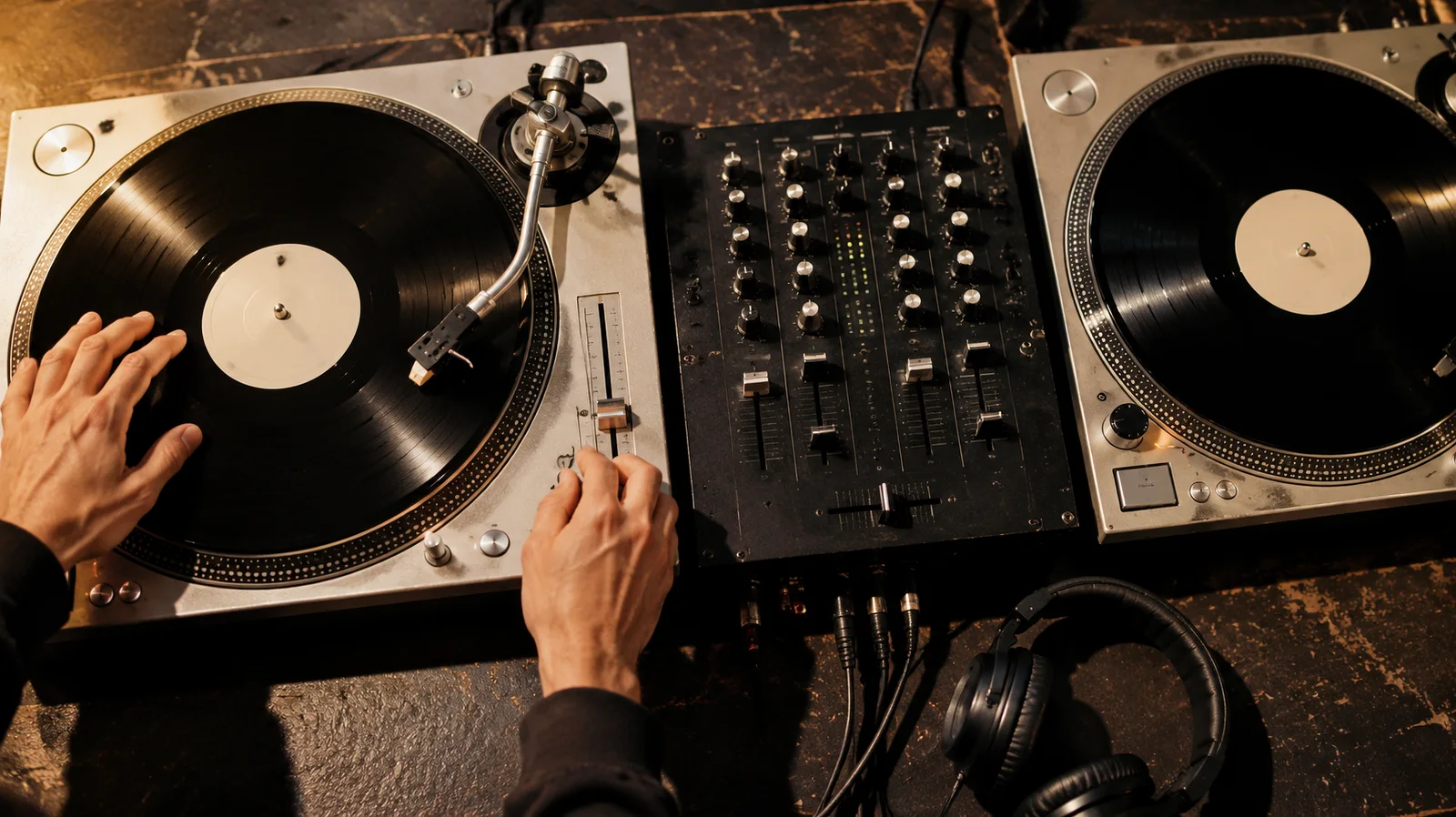
Learning how to beatmatch comes down to one repeated loop. Start the new track on the beat in your headphones and listen for whether its kick lands early or late against the track on the speakers. Then adjust the tempo fader and nudge until the two drums lock together. Everything else, from controllers to CDJs to drum and bass, is a variation on that loop.
This guide explains the listening cues that tell you which way to move the fader. It works through one example with real numbers, covers how the method changes across different gear and genres, and explains where sync fits in.
What beatmatching actually means
Beatmatching means getting two tracks to play at the same tempo, with their beats landing at the same moment. When you do, the kicks and claps of both records hit together and sound like one groove instead of two. It is a core skill for mixing electronic dance music, because it lets a DJ keep a steady beat running for a whole night.
There are two separate problems to solve:
- Tempo (speed). Both tracks need the same BPM (beats per minute). If one runs even slightly faster, the beats slowly drift apart.
- Phase (alignment). Even at identical tempos, the new track has to be started so that its beat one lands on the other track’s beat one. If you start it half a beat late, it stays half a beat late.
Most beginners mix these up. They fix a phase problem by moving the tempo fader, or a tempo problem by nudging the jog wheel. Keep them apart in your head: the fader sets speed, the nudge fixes position.
Beatmatching is also only part of a good transition. Beatmixing adds EQ, track selection and phrasing, which means starting the new track at the top of a 16- or 32-bar section. A perfectly matched mix that starts mid-phrase still sounds clumsy.
What you need before you start
You do not need expensive gear to learn how to beatmatch. You need:
- Two decks of any kind. That can be a controller with software, two media players or two turntables.
- A mixer with a cue (headphone) section. This lets you hear the incoming track privately. A cue mix or cue/master knob is useful because it blends the two in your headphones.
- Closed-back headphones. They keep enough room sound out that you can hear the kick clearly.
- Two tracks with a clear, steady kick. Four-on-the-floor house or techno is the easiest place to start, because every beat has a kick on it. If you are unsure how those styles differ, our guide to techno vs house explains how each one grooves.
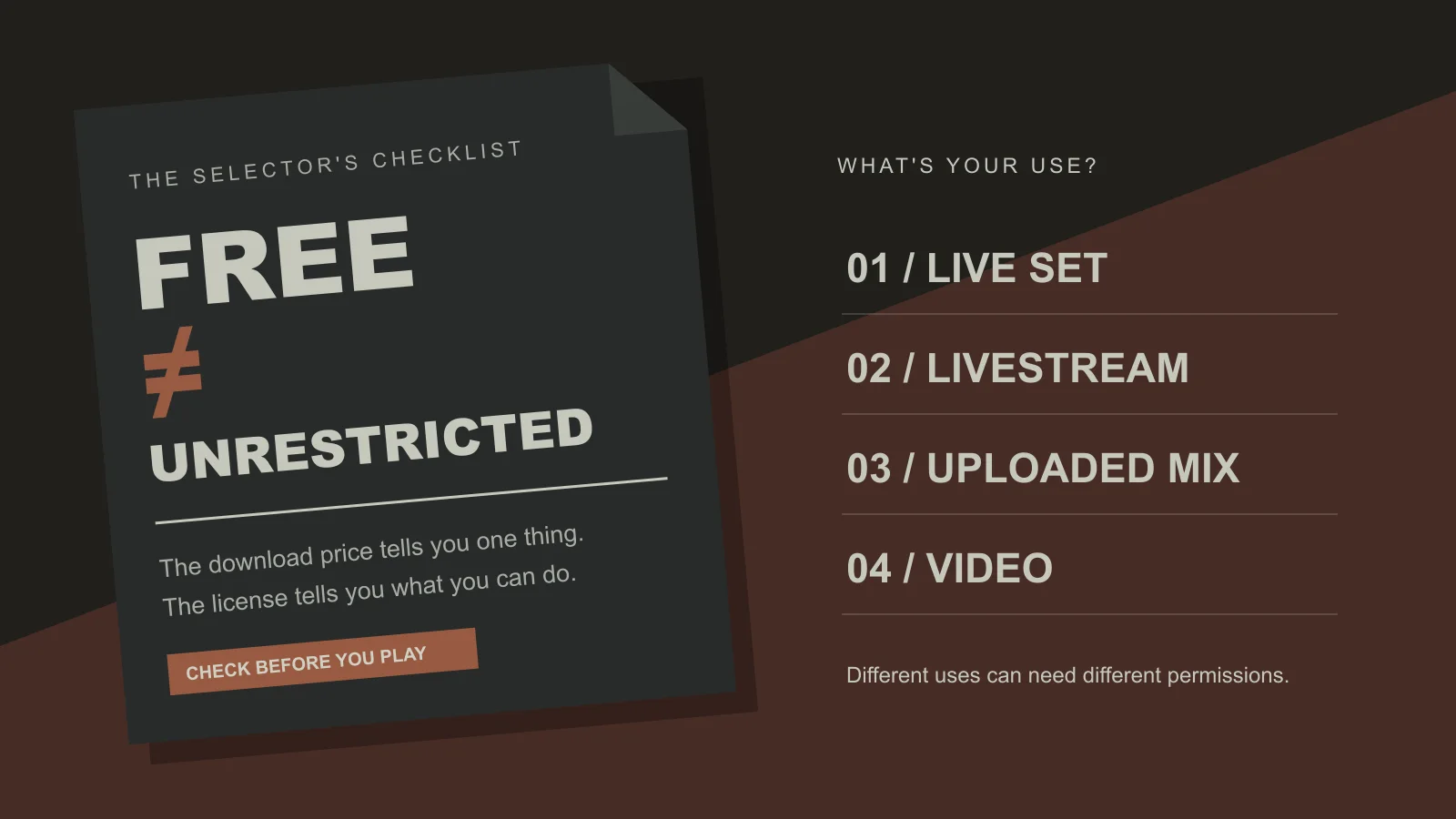
Choose practice tracks that are only a few BPM apart. You can browse electronic music on CyberDJ, where tracks are tagged with BPM and key, so it is quick to find pairs within a narrow tempo range. The music can be streamed or downloaded as MP3 for listening and DJing. It cannot be re-uploaded or redistributed, and the licensing page has the details.
One practice trick is to cover the BPM display, or hide it in your software. If you can see the numbers, you will match with your eyes and your ears will not learn.
How to beatmatch by ear, step by step
Here is the full routine. Track A is playing on the speakers, and Track B is the one you are bringing in.
- Set Track B’s channel fader down and press its cue button. Track B now plays only in your headphones.
- Match the gain. Use the trim or gain knob so both tracks sit at a similar level on the meters. Uneven levels make it harder to judge which kick is which.
- Find beat one of Track B. Pick the first kick of a phrase, ideally at the start of the intro, and set a cue point there or hold it on the platter.
- Release Track B on Track A’s beat. Count Track A’s bar (“one, two, three, four”) and let Track B go on the next “one”. Your first starts will be slightly off. That is normal.
- Listen for drift. Over the next few bars, notice whether Track B’s kick creeps ahead of Track A or falls behind.
- Move the tempo fader. If B is creeping ahead, it is too fast, so slow it down. If B is falling behind, it is too slow, so speed it up. Make small moves.
- Nudge to realign. After changing the tempo, the beats are still out of phase. Briefly push the jog wheel or platter edge forward, or drag it back, until the kicks land together.
- Repeat steps 5 to 7 until the tracks stay locked for 16 bars or more without you touching anything.
Only then should Track B go out on the speakers. While both tracks play, keep listening. Small drift still happens, especially on turntables, and correcting it during the mix is part of the skill.
A worked example
Say Track A runs at 124 BPM and Track B at 126 BPM. To bring B down to 124, you need to slow it by about 1.6% (2 ÷ 126). On a tempo fader set to a ±8% range, that is roughly a fifth of the way from the centre towards the slow end.
You release B on the “one”. At first it sounds tight, but within two bars its kick starts landing just before A’s. That is the sign that B is fast. You pull the fader down a touch, and now the kicks drift apart more slowly, taking eight bars instead of two. You pull it down a little more and the drift almost stops. A quick nudge backwards puts the kicks back together. They now stay locked through a full 32-bar phrase, and you are ready to mix.
Notice how the speed of the drift tells you the size of the error. Fast drift means a big tempo difference. Slow drift means you are very close.
Is it too fast or too slow? The listening cues
Most of learning how to beatmatch by ear is learning to hear which track is ahead. These cues help:
- The gallop. When two kicks are slightly out of phase you hear a “da-dum” double hit instead of one thud. The wider the gap, the more obvious it is.
- Which hit comes first. Focus on the first half of the gallop. If Track B’s kick is the leading edge, B is ahead.
- The nudge test. When you cannot tell, nudge B forward slightly. If the gallop gets worse, B was already ahead, so pull it back. If it gets better, B was behind.
- Claps and hats. A clap on beats two and four, or an offbeat hi-hat, is often easier to place than a muddy kick. Two claps that flam sound like a smeared, doubled snap.
Isolating the beat
Busy tracks with vocals and synths can hide the drums. To hear mainly the beat of the track you are cueing, turn its mid and high EQ down so mostly the kick and bass remain. If you would rather time from the clap or hat, cut the lows instead.
Headphone technique matters too. Many DJs wear one ear on and one ear off. That puts Track B in one ear and the room in the other, and the brain compares them. Others use a cue/master blend so both tracks are in the headphones together. Try both and keep whichever makes the gallop clearer for you.
How to beatmatch on a DDJ-FLX4, CDJs and turntables
The method is the same on every setup. What changes is how the tempo control and the nudge feel under your hands.
| Setup | Tempo control | How to nudge | Common beginner trap |
|---|---|---|---|
| DJ controller (such as a DDJ-FLX4) | Tempo fader controlling the software deck | Spin the outer edge or side of the jog wheel rather than the top | Pressing the top of the jog, which can pause or scratch the track instead of nudging |
| CDJs (such as a CDJ-2000) | Tempo slider with a selectable range | Turn the outer ring of the jog wheel | Leaving the range wide, so tiny slider moves cause big tempo jumps |
| Turntables | Pitch fader | Touch the platter edge to slow it, or push the label or spindle to speed it up | Pressing too hard, which drags the record well past the beat |
Controllers like the DDJ-FLX4
If you are working out how to beatmatch on a DDJ-FLX4 or a similar controller, the one thing to get right is where you touch the jog wheel. The touch-sensitive top surface is for scratching and holding the track. A light spin on the outer edge bends the tempo briefly, which is the nudge you want. Your software will show BPM and waveforms. When practising by ear, hide the BPM readout, or at least make your tempo decisions before you look at it.
CDJ-2000 and other media players
Learning how to beatmatch on a CDJ-2000 is mostly about the tempo range button. It switches the slider between ranges such as ±6, ±10 and ±16 percent. A narrower range gives finer control, so ±6 or ±10 suits most club tempos. The Master Tempo button keeps the musical key fixed while you change speed. It is worth switching on if a track sounds noticeably sharp or flat after a big tempo change. Sync features differ by generation, so do not assume every CDJ has one.
Turntables
On vinyl, pitch and tempo are linked. Speed a record up and it also plays higher in pitch. Turntables also drift more than digital players, so you will ride the pitch fader during the mix. They are the hardest way to learn how to beatmatch and the most rewarding, because nothing does any of the work for you.
How to beatmatch drum and bass and other fast genres
Fast genres follow the same rules. The rhythms are just harder to read.
Drum and bass
The challenge with drum and bass is that the kick is not on every beat. The drums are breakbeat patterns built around a kick and a snare. So to learn how to beatmatch drum and bass, stop listening for a steady thud. Lock the snares instead. In most rollers and two-step patterns they land on beats two and four, which gives you a sharp, regular marker.
A few other habits help:
- Count in half time if it helps. Many people feel drum and bass as a slow groove with fast drums on top. Counting the half-time pulse can make phrase starts easier to hear.
- Expect fast drift. At high tempos a small error builds up quickly, so you correct more often.
- Use the intros. Drum and bass tracks often have long, drum-led intros that are well suited to mixing. Start beatmatching early so you are locked before the drop.
Breaks, garage, techno and hard dance
Breaks and UK garage both have shuffled, syncopated drums, so the snare or clap is often a better anchor than the kick. Fast techno and hard dance usually keep a straight kick, so the house method works. The drift just builds up quicker, and you need clean, small fader moves.
Treat genre tempos as loose tendencies, not fixed rules. Browse the genre directory and check the BPM tags on individual tracks before planning a mix.
When to use sync, and how
Most modern DJ software and many players include a sync button. You set the outgoing deck as the master or leader and press sync on the incoming deck. Its tempo then matches, and on most systems its beatgrid snaps into phase too.
Sync is a legitimate tool. It frees your attention for EQ, phrasing and choosing the next record. It only works as well as the beatgrid behind it, though, and grids can be wrong. Common causes are tracks with live drums, tempo changes or an unclear first beat. A badly gridded track syncs perfectly to the wrong place. That is why it still pays to know how to beatmatch manually:
- You can hear when sync has locked something slightly off and fix it.
- You can play turntables, older players or a borrowed setup without sync.
- You can correct drift during a mix instead of panicking.
A good habit is to press sync, then check the result in your headphones before the track goes live. If you plan to try CyberDJ’s own DJ software, you can read about Doof. It is free to use, and installers have not been published yet.
Common beatmatching mistakes and a practice routine
These are the errors that slow most learners down:
- Fixing phase with the fader. If the tempo is right but the beats are offset, nudge. Do not move the fader.
- Big fader moves. Overcorrecting makes you swing between too fast and too slow. Move a little, listen for a few bars, then move again.
- Headphones too quiet. If you cannot hear Track B clearly over the room, you will guess. Raise the cue level sensibly. Do not damage your hearing.
- Starting off the “one”. If you release Track B on beat three, it may be “matched” but every phrase change lands in the wrong place.
- Practising with mismatched tracks. Start with tracks only a few BPM apart and with clear drums. Save tricky material for later.
- Watching the screen. Waveforms and BPM numbers are useful checks, but they stop your ears from learning.
A short practice routine
- Pick two four-on-the-floor tracks within a few BPM of each other, and hide the BPM display.
- Spend ten minutes doing nothing but starting Track B on the “one” and matching it. Do not mix it in.
- Before each fader move, say out loud whether B is fast or slow. This trains the decision.
- Once matching feels routine, add full transitions on a phrase boundary, swapping the basslines with the EQ.
- Move on to breakbeats, garage or drum and bass when four-on-the-floor tracks no longer challenge you.
Short sessions most days work better than one long weekend session. Once you know how to beatmatch reliably, the next skills to work on are phrasing and EQ. You can find more DJ guides on the blog, and fresh practice material on the CyberDJ homepage.
Frequently asked questions
How do I use beat sync?
Load both tracks and set the deck you are mixing out of as the master or leader. Press sync on the incoming deck, which matches its tempo and usually aligns its beatgrid. Before you bring the track in, check in your headphones that the kicks actually line up. Sync depends on the beatgrid, so a badly analysed track will be synced to the wrong place. Fix the grid or nudge by hand.
How do I mix two songs together?
Choose two tracks with similar tempos and compatible energy. Beatmatch the incoming track in your headphones and start it at the beginning of a phrase, usually every 16 or 32 bars. Then bring it in with the channel fader. Swap the bass with the EQ rather than playing both basslines at full level. Fade the old track out at its next phrase change. The steady beat makes the mix smooth, and the phrasing makes it sound intentional.
How can I listen to just the beat of a song?
On a DJ mixer, turn the mid and high EQ down on the channel you are cueing. That leaves mostly the kick and bass. If you need the clap or hi-hat for timing, turn the low EQ down instead. Many DJs also focus on one drum sound at a time, such as the kick, the clap on beats two and four, or the offbeat hat. That cuts through a busy arrangement.
How long does it take to learn to beatmatch by ear?
It varies a lot. The listening skill builds through short, frequent sessions more than long, occasional ones. Most people first learn to hear that two kicks are out of time. Next they learn which track is ahead, and last how to correct the tempo quickly. Start with steady four-on-the-floor house or techno with clear kicks. Move on to breakbeats and faster genres once matching those feels routine.
Should beginners learn sync or manual beatmatching first?
Learning manual beatmatching first, or alongside sync, gives you a skill that sync cannot replace. With it you can hear when a mix drifts, fix wrong beatgrids, and play gear without sync, such as turntables or older CDJs. Sync is still useful and widely used. It frees your attention for track selection, EQ and phrasing. Many working DJs use both and treat their ears as the final check.