 Cyber
CyberLearn How to Make Electronic Music: A First-Track Plan
A practical starting plan for new producers: what to set up at home, how to learn a DAW without drowning, a step-by-step first track with a worked house example, and the mistakes that stall most beginners.
The fastest way to learn how to make electronic music is to finish small, imperfect tracks: set up a simple home workspace, learn the few parts of your software you actually need, and build one loop into a complete song before you worry about sounding professional. Everything below follows that order, with a worked example you can copy note for note.
What you need to make electronic music at home
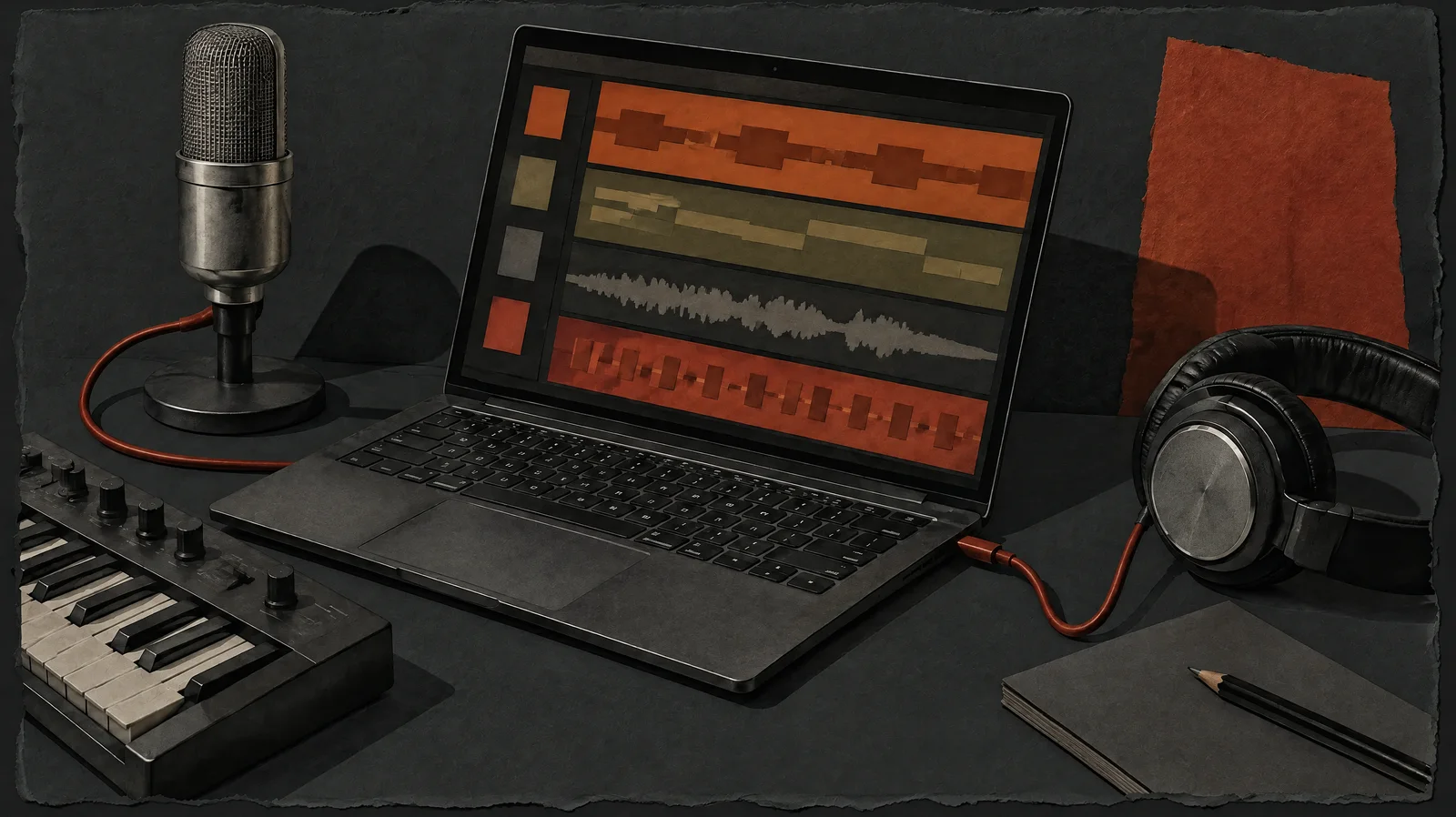
You need far less than gear forums suggest. Learning how to make electronic music at home starts with four things:
- A computer. Almost any reasonably recent laptop or desktop can run a DAW and a handful of instruments. More processing power helps later, when projects get large.
- A DAW (digital audio workstation). This is the software where you record, sequence, arrange and mix. If the term is new, read what a DAW is and how it works before choosing one.
- Headphones. A decent pair of closed-back or open-back studio headphones is more useful at the start than cheap speakers in an untreated room.
- Optional: a small MIDI keyboard. Two octaves of keys and a few pads make writing melodies and drum parts quicker, but you can draw everything with a mouse.
Speakers, audio interfaces and hardware synths can wait. An audio interface matters once you want to record vocals or instruments, or need lower latency when playing parts live. Buy things when a specific problem appears, not before.
On software: most DAWs offer a free trial or a free version, and CyberDJ’s own DAW, Siren, is free to use, with optional paid AI workflows. Its installers are not published yet, so check the product page for current status. Whichever DAW you pick, stick with it for at least a few months. Switching software every few weeks is one of the most common ways beginners stall.
Learn your DAW in small pieces
A DAW looks overwhelming because it shows everything at once. In practice, early tracks use a small set of features. Learn them in this order and ignore the rest for now:
- Tempo and transport. Setting the BPM, playing, stopping, looping a section.
- Loading instruments and samples. Dragging a drum sample or a synth onto a track.
- The piano roll. Drawing, moving, deleting and lengthening notes, and changing their velocity (how hard each note is hit).
- The arrangement view. Copying clips along a timeline to build sections.
- The mixer. Volume faders, panning, and adding one effect such as EQ or reverb.
- Exporting. Rendering your project to a WAV or MP3 so you can listen elsewhere.
Our advice: produce first and watch tutorials second. Try to make something, get stuck, then look up the specific thing that stopped you. You will remember a technique far better when it solved your own problem.
How to make electronic music: the first-track workflow
Here is a repeatable order of work. It is not the only way, and many producers start from a melody or a sound instead, but it is a reliable route to a first track that actually gets finished.
1. Choose one style and one reference track
Electronic music covers very different rhythms and moods. House and techno are built on a steady kick on every beat; drum and bass uses fast, broken drum patterns; downtempo leaves more space and slower grooves. Spend some time in the genre directory and pick one style. Then pick a single reference track you love and keep it open in your project. If you are torn between the two most common club styles, techno vs house explains how their drums, bass and mood differ.
2. Set a tempo and key
Match the tempo roughly to your reference. As a loose guide, house often sits somewhere around 120 to 128 BPM, techno commonly runs a bit faster, and drum and bass is usually much faster again, but these are habits, not definitions. For key, a minor key such as A minor is an easy start because it uses only the white keys on a piano.
3. Program the drums
Start with kick, clap or snare, and hi-hats. Get a groove that makes you nod before adding anything else. Small velocity changes on the hi-hats make a loop feel less robotic.
4. Write a bass line
The bass should lock to the kick. In dance music, a common trick is to place bass notes between kicks so the two do not fight for the same low-frequency space.
5. Add chords or a lead
One harmonic part is enough: a chord stab, a pad, or a short repeating riff. Resist adding five synths. Fewer, clearer parts sound bigger.
6. Arrange, then mix
Turn the loop into sections (more on that below), balance the levels, and export. Mastering can wait until you have finished several tracks.
A worked example: from a house loop to a full sketch
This example builds a basic house track that you can recreate in any DAW. Set the tempo to 124 BPM and the key to A minor. Use a 16-step grid, where each beat is split into four steps.
Drums
Step:       1 . . . 2 . . . 3 . . . 4 . . .
Kick:       x . . . x . . . x . . . x . . .
Clap:       . . . . x . . . . . . . x . . .
Open hat:   . . x . . . x . . . x . . . x .
Closed hat: x x x x x x x x x x x x x x x x
The kick hits every beat (often called “four on the floor”), the clap lands on beats 2 and 4, and the open hat sits on the offbeats, which gives house its bounce. Lower the velocity on every other closed hat so the pattern breathes.
Chords and bass
Use a four-chord loop, one chord per bar: A minor, F major, C major, G major. Play them as short stabs on a simple synth or electric piano. For the bass, play the root note of each chord (A, F, C, G) on the offbeats, the same positions as the open hat. Now kick and bass alternate, and the low end stays clean.
Turning it into a track
At 124 BPM one bar lasts just under two seconds, so 16 bars is about half a minute and 96 bars comes to roughly three minutes. That makes a tidy target for a first sketch. Duplicate the full loop across the timeline, then delete parts to create sections, using the plan in the next section.
Listen to the result next to your reference track. You will hear gaps, and that is the point. The comparison tells you what to learn next.
How to arrange a loop into a song
Most beginners can make an eight-bar loop. Far fewer can make it last three minutes without boredom. Arrangement is mainly about adding and removing layers so energy rises and falls. A simple dance structure for the worked example:
| Section | Bars | What plays | Purpose |
|---|---|---|---|
| Intro | 16 | Kick, closed hats, then clap | Sets the groove; gives DJs room to mix in |
| Groove | 16 | All drums plus bass | Establishes the core energy |
| Breakdown | 16 | Chords and a pad, no kick | Releases tension; shows the harmony |
| Build | 8 | Chords, rising noise, snare roll | Creates anticipation |
| Drop / main | 32 | Everything, with small changes every 8 bars | Peak energy |
| Outro | 8 | Strip back to drums | Gives DJs room to mix out |
Changes usually happen every 8 or 16 bars, because dance music is built in phrases of that size. Beyond adding and removing instruments, try filter sweeps, a new hi-hat pattern, a one-bar drum fill before each section, or muting the kick for one bar before the drop.
A practical shortcut: drag your reference track into the DAW, mark where each section begins, and copy those lengths. You are borrowing structure, not sound, and it teaches you how real tracks pace themselves. Long, simple intros and outros also matter if you want DJs to play your music; once you know how beatmatching works, you will see why a busy first bar makes a track hard to mix.
Mixing basics without overthinking it
Mixing is balancing your parts so each one is clear. You do not need advanced plugins to get a decent first mix. Focus on these:
- Levels first. Start with the kick at a sensible level, then bring other parts up around it. Leave headroom so your master channel never hits the top of its meter.
- Clean the low end. Use an EQ to cut low frequencies from parts that do not need them, such as hats, pads and claps, so the kick and bass have space.
- Sidechain the bass to the kick. Most DAWs can briefly duck one sound when another plays. Ducking the bass under each kick gives clarity and the familiar pumping feel.
- Use reverb sparingly. Send several parts to one shared reverb rather than loading a separate one on each track. Too much reverb makes a mix muddy.
- Check at low volume and in mono. If a part disappears in mono or at quiet levels, it needs adjusting.
- Compare with a reference. Turn the reference down to match your mix’s loudness first, otherwise the louder track always sounds “better”.
Rest your ears. After an hour or two, judgement slips. A mix that sounded great at midnight often sounds very different the next morning.
Common mistakes that slow beginners down
- Endless loop syndrome. Polishing eight bars for weeks. Fix: give yourself a deadline to arrange a full sketch, however rough.
- Too many sounds. Hunting through thousands of presets instead of writing. Fix: limit yourself to one drum kit and two synths per track.
- Gear before skill. Buying plugins to solve problems that are really about arrangement or levels.
- Everything loud, all the time. If every section is full, the drop has nothing to contrast with.
- Kick and bass clashing. Both playing in the same moment and frequency range. Offset the notes or sidechain.
- Mixing too loud for too long. Loud listening tires your ears and exaggerates bass.
- Skipping music basics. You can start without theory, but learning scales, a few chord shapes and how rhythms divide the beat will pay off quickly. Even beatboxing or tapping rhythms helps you think in grooves.
Getting better is less about secret techniques and more about avoiding these traps long enough to finish things.
How to keep improving after your first track
Once you have one finished sketch, the next step is building a routine:
- Finish often. Aim for a regular rhythm of rough, complete tracks. Quantity of finished work beats one perfect project.
- Study references actively. Listen with a question: when does the bass enter? How many elements play in the drop? What changes every eight bars? You can browse electronic music on CyberDJ, where tracks are tagged with BPM and key, which makes it easy to find references that match your project’s tempo and key.
- Recreate a track. Try to rebuild the drums and structure of a song you like. It is one of the quickest ways to understand how producers think.
- Learn one skill per track. One track to practise sidechaining, the next for writing a bass line, the next for a better breakdown.
- Get feedback. Share sketches with other producers and ask specific questions, such as “does the drop feel weaker than the build?”
A note on reference material: CyberDJ’s library is free to stream and download for listening and DJ performance, but redistribution, resale and re-uploading are not allowed. Use it to study arrangement and mix balance, not as raw material for your own releases. The licensing page explains the details, and the DJ guides cover the mixing side once your tracks are ready to play out.
There is no single correct path into production. Pick a style, keep your tools simple, finish short tracks, and compare them honestly with music you love. Each finished track teaches you more than any number of unfinished loops.
Frequently asked questions
How do I make an EDM track as a complete beginner?
Pick one style, such as house, and choose a reference track you like. Set a tempo near that track, program a simple drum pattern, add a bass line that follows a four-chord loop, then add one chord or lead part. Copy the reference's section lengths to arrange it, balance the levels, and export. Your first track will be rough, and that is normal.
Does an electronic track have to be three minutes long?
No. Length depends on purpose. Club and DJ-friendly tracks are often longer, with plain intros and outros so DJs can mix them, while tracks meant for casual listening are often shorter. For practice, aiming for around three minutes is useful because it forces you to build a full arrangement without getting stuck polishing a loop for weeks.
Is 20 too late to start producing music?
No. Production skills are learned through practice, not age. Many producers start in their twenties, thirties or later, and the tools are the same for everyone. What matters more is consistent time: short regular sessions and finishing tracks build skill faster than occasional marathon sessions. Starting later can even help, because adults often practise more deliberately.
Do I need to play an instrument to make electronic music?
No, but basic musical knowledge helps. You can draw notes into a piano roll with a mouse and learn scales and chords as you go. Learning a few chords on a keyboard, or tapping rhythms on a small MIDI controller, makes writing faster and more natural. Treat theory as a toolkit you pick up gradually, not a gate you must pass first.
Can I use free tracks from CyberDJ as samples in my own releases?
Do not assume so. CyberDJ's tracks are free to stream and download for listening and live DJ performance, but redistribution, resale and re-uploading are not allowed, and the library is not public domain. Use them as reference tracks to study arrangement and mix balance. For samples you plan to release, use sounds whose licence clearly permits that use, or make your own.