 Cyber
CyberWhat Is a DAW? A Plain-English Guide for New Producers
A plain-English explanation of what a DAW is, how its timeline, MIDI, instruments, effects and mixer fit together, a worked house-loop example, the main DAW styles, and how to choose your first one.
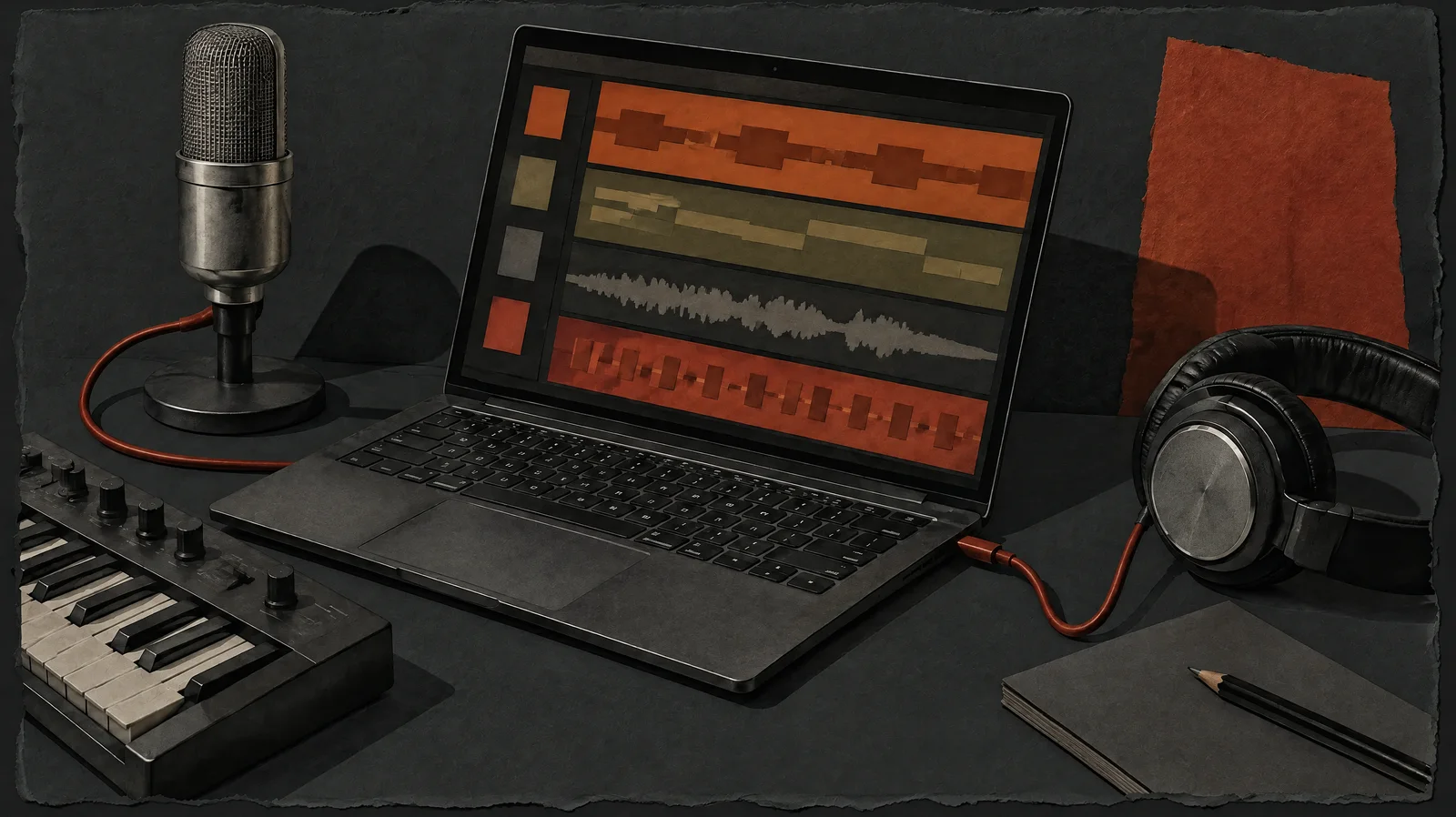
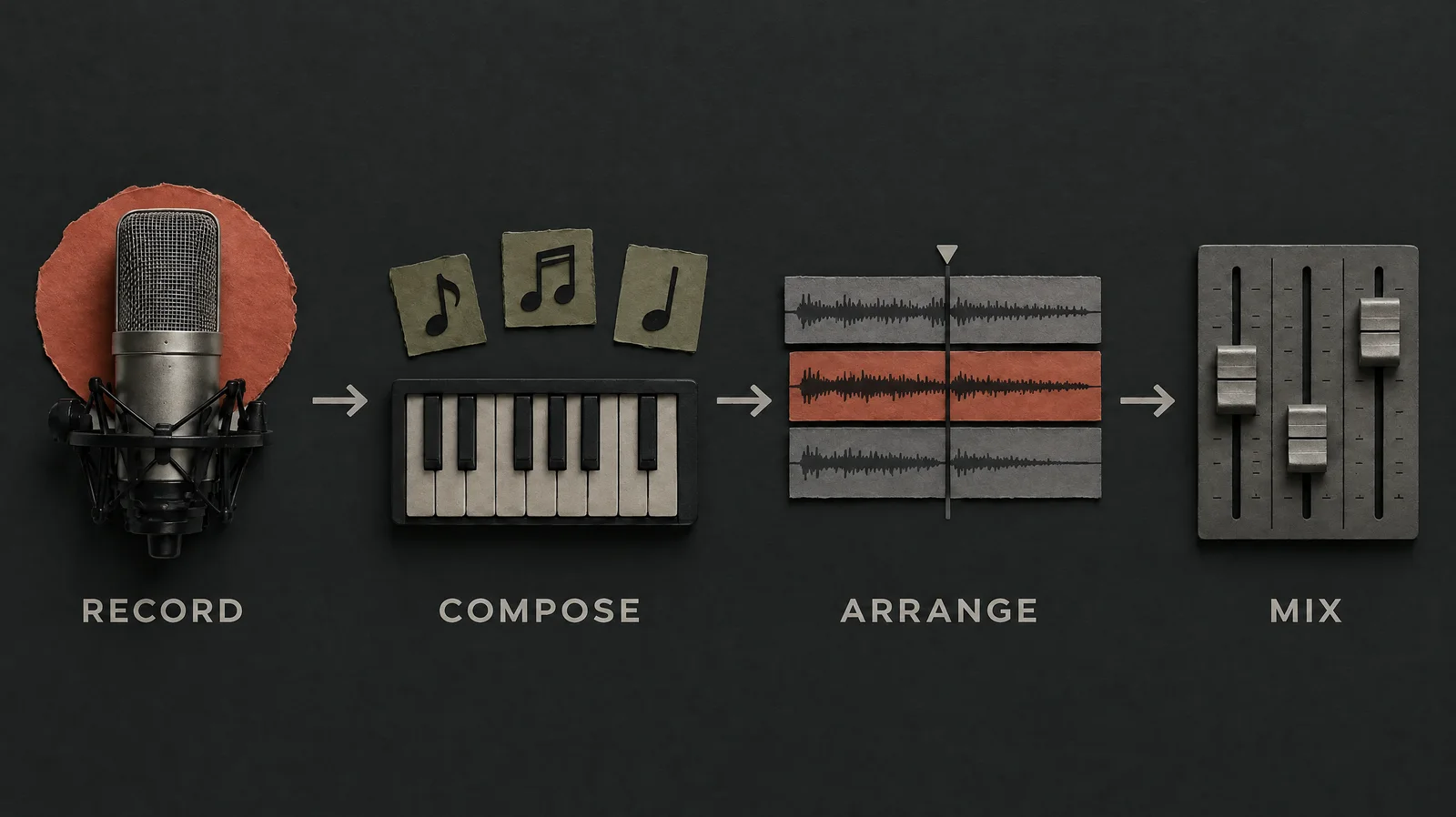
If you have started making beats or watched a production tutorial, you have probably wondered what a DAW is and why every producer seems to argue about which one is best. DAW stands for digital audio workstation: software that lets you record, program, edit, mix and export music on a computer. For electronic music it is usually the whole studio in one window, holding your drums, synths, samples, effects and final mixdown.
This guide explains how a DAW is put together, how an electronic producer actually uses one, the main styles of DAW you will meet, and the mistakes that slow beginners down.
What is a DAW? The short answer
The plain answer: it is a program that replaces most of the equipment in a traditional recording studio. Where a studio once needed a tape machine, a mixing desk, racks of effects units and hardware synths, a DAW provides software versions of all of them.
The term originally also covered dedicated hardware units that recorded and edited audio. Today it almost always means software running on a laptop, desktop, tablet or in a web browser. The same tool is used for music, podcasts, film sound and voiceover, which is why some guides describe it broadly as a “digital recording studio”.
For electronic producers, the important point is that a DAW does not just record sound. It also generates sound through software instruments and controls them with MIDI data, so you can build a complete track without a microphone or a single physical instrument.
What does a DAW do in music production?
In music production, the answer comes down to five jobs that every DAW handles, even if the layout differs.
| Part | What it does | Electronic music example |
|---|---|---|
| Timeline / arrangement | Lays out clips over time, left to right, in bars and beats | Building a 16-bar intro, a breakdown and a drop |
| Piano roll / MIDI editor | Draws and edits notes as blocks on a grid | Programming a bassline or a hi-hat pattern |
| Instruments | Software synths and samplers that turn MIDI into sound | A wavetable synth for leads, a drum sampler for kicks |
| Effects | Processes sound: EQ, compression, reverb, delay, distortion | Sidechain compression so the bass ducks under the kick |
| Mixer | Balances levels, panning and routing of every track | Sending several synths to one reverb bus |
Around those five parts sit supporting features: a browser for samples and presets, a transport bar with play, record and tempo, automation lanes for changing settings over time, and export options to render a finished WAV or MP3.
Plugins
Most DAWs accept third-party instruments and effects called plugins. Common formats include VST3, AU (on macOS), AAX (for Pro Tools) and CLAP. You do not need extra plugins to start; the built-in tools in any mainstream DAW are enough to finish tracks.
Audio tracks vs MIDI tracks
Understanding the difference between these two track types answers half the confusion around what a DAW does under the hood.
- Audio tracks hold recorded sound: a vocal, a guitar, a drum loop, a field recording. You see a waveform. You can cut, stretch, reverse and pitch it, but you cannot change individual notes easily.
- MIDI tracks hold instructions, not sound: which note, when it starts, how long it lasts and how hard it is played. A software instrument reads those instructions and produces the audio. Change the note and the sound changes instantly.
Electronic producers lean heavily on MIDI because it keeps everything editable. You can try a bassline on three different synths, transpose a chord progression to another key, or tighten the timing of a hi-hat pattern without re-recording anything.
A common workflow is to stay in MIDI while writing, then “bounce” or “freeze” parts to audio later. Audio is lighter on your computer and lets you chop and mangle the sound in ways MIDI cannot.
A worked example: building a house loop in a DAW
Here is how the parts fit together in practice. The steps work in any DAW; button names will vary. House often sits somewhere around the mid-120s BPM, but treat that as a starting point, not a rule.
- Set the project tempo. Type a tempo such as 124 BPM into the transport bar and set the grid to 1/16 notes.
- Program the kick. Create a MIDI track, load a drum sampler and a kick sample, then place a note on every beat. This “four-on-the-floor” pattern is the backbone of house and much techno.
- Add claps and hats. Put a clap on beats two and four. Place an open hi-hat on the off-beats (between kicks) for that lifting house feel.
- Write a bassline. On a new MIDI track, load a simple synth bass. Draw a short two-bar pattern in the piano roll that avoids landing directly on every kick.
- Add sidechain compression. Put a compressor on the bass and feed it the kick as its trigger. The bass now dips each time the kick hits, which gives a pumping groove and keeps the low end clean.
- Add a chord stab. A short chord on a pad or organ sound, repeated rhythmically, gives the loop character.
- Balance in the mixer. Pull every fader down a little, set the kick first, then bring in bass, drums and chords until nothing masks anything else. Keep the master meter out of the red.
- Arrange. Duplicate the eight-bar loop across the timeline. Mute parts to make an intro, remove the kick for a breakdown, and bring everything back for the main section.
- Export. Render the arrangement to a WAV file and listen on headphones, speakers and a phone.
That short project touches every core part of the software: timeline, MIDI, instruments, effects, mixer and export. Once you have done it once, the idea of a DAW stops being abstract.
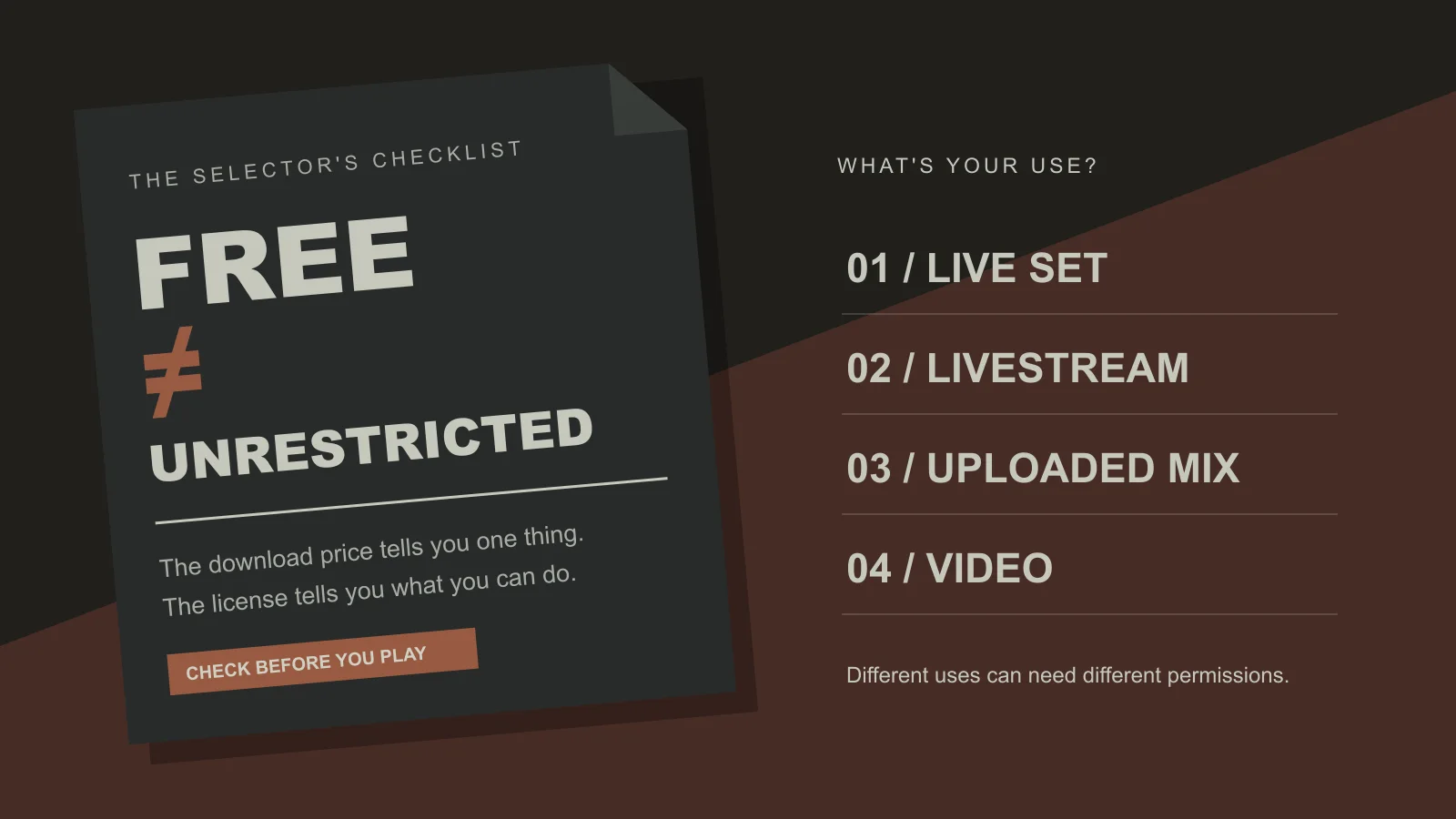
A good habit is to reference finished tracks while you work. Browsing electronic music sorted by BPM and key lets you pick a reference near your project tempo and compare how loud the kick sits, how wide the pads are and how long the intro runs. CyberDJ’s library is free to stream and download for listening and DJing, but it is not material you can re-upload or redistribute; the licensing page explains the terms.
Types of DAW and how they differ
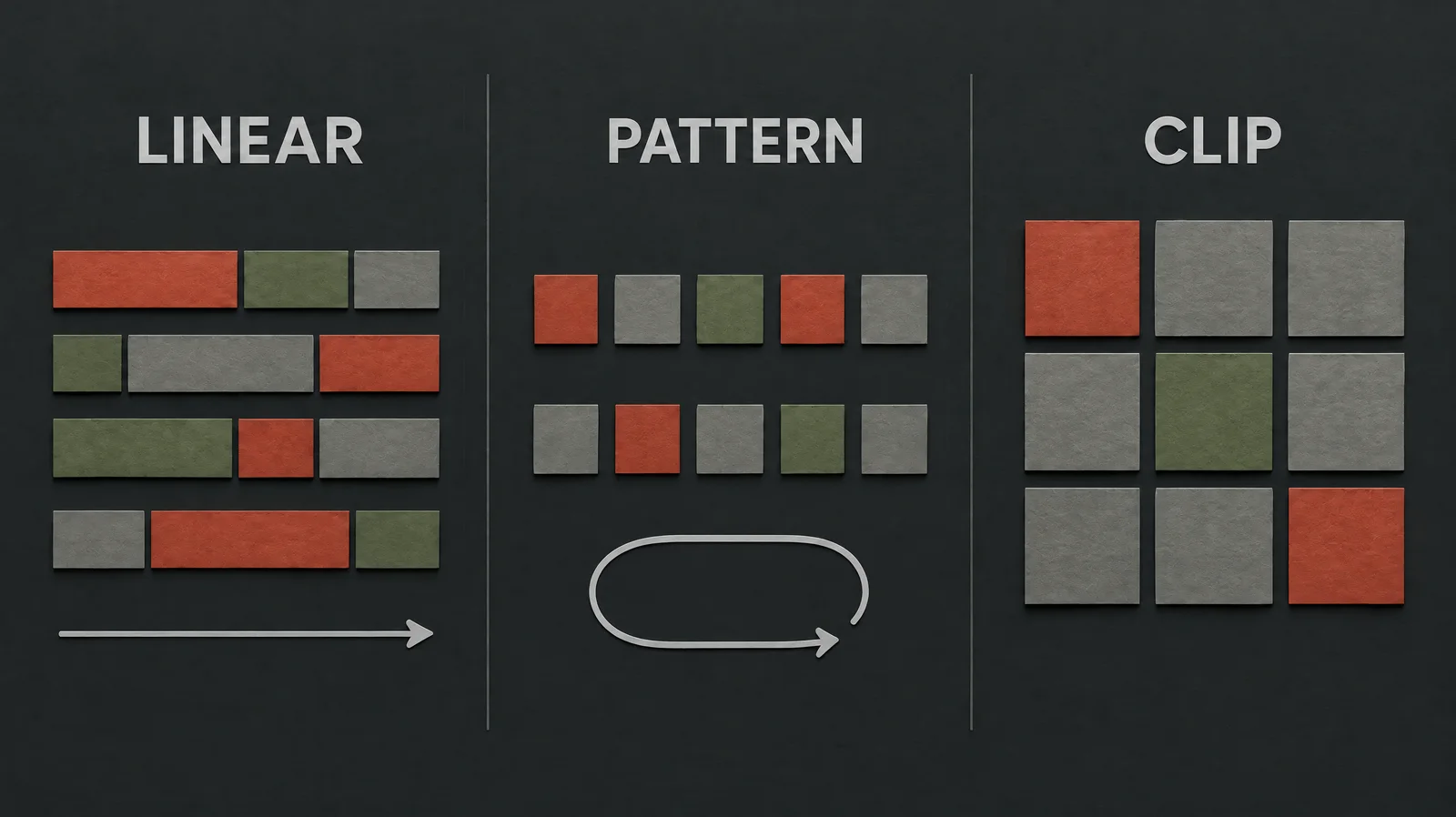
Every DAW covers the same basics, so the real differences are in workflow. Here are the broad styles you will run into.
| Style | How it works | Suits | Trade-off |
|---|---|---|---|
| Linear / arrangement-first | One long timeline, left to right, like tape | Recording, songwriting, film-style projects | Can feel slow for quick loop sketching |
| Pattern-based | Build short patterns, then place them in a playlist | Beat-making, hip-hop, trap, fast drum programming | Large projects can get hard to keep organised |
| Clip-based / session | Launch loops in a grid, then record a performance to the timeline | Jamming ideas, live performance, loop-driven dance music | Easy to get stuck with an endless eight-bar loop |
| Browser and mobile | Runs in a web page or app, often with cloud saving | Trying production with no install, quick sketches | Fewer plugins and less detailed editing |
Many DAWs mix these styles. Ableton Live pairs a clip view with a linear arrangement. FL Studio is built around patterns. Logic Pro (Mac only), Cubase, Studio One, Reaper and Pro Tools are mainly linear, with strong recording and editing tools. Bitwig Studio blends clips with deep modulation. BandLab and similar tools run in the browser or on a phone.
Free vs paid
Free DAWs and free tiers are genuinely usable now. GarageBand comes with Apple devices, BandLab is free online, and several paid DAWs offer trials or cut-down editions. Paid versions usually add more tracks, more instruments, advanced editing and better audio warping. Start free and upgrade only when you hit a real limit.
CyberDJ is developing its own production DAW, Siren, which is free to download and use, with optional paid AI workflows plus song and sound-effects generation. Installers are not yet published, so check the product page for current status rather than planning around it today.
How to choose your first DAW
Once you know what a DAW is, the next question is which one. The honest answer is that the first one matters less than sticking with it. Use these filters:
- Your computer. Logic Pro and GarageBand need Apple hardware. Most others run on Windows and macOS; a few run on Linux.
- Your style. If you mostly program drums and loops, try a pattern or clip workflow. If you record vocals or instruments, a linear DAW may feel natural.
- Your genre’s tutorials. Pick a DAW with plenty of beginner tutorials in the genre you want to make. Following along click-for-click is much easier when the screen matches.
- Your budget. Use a trial or free version for a few weeks before buying anything.
- Your gear. Check that it supports any controller keyboard or audio interface you already own.
A practical test: give each candidate one evening. Try to finish an eight-bar loop with drums, bass and one melodic part. Keep the one where you finished the loop and enjoyed it.
If you are unsure which electronic style to aim for, spend time in the genre directory first. Knowing whether you lean towards drum and bass, techno, downtempo or synthwave narrows down which tutorials, sounds and workflows will help most.
DAW vs DJ software
New DJs often ask how a DAW compares with DJ software, because both show waveforms and both can loop music. The difference is purpose.
- A DAW creates and edits music. You build tracks note by note, layer by layer, and export a finished file.
- DJ software performs finished music. It loads tracks onto virtual decks, analyses BPM and key, and lets you beatmatch, EQ and blend in real time.
The two meet in the middle. DJs use a DAW to make edits, extended intros, mashups or their own tracks to play out. Producers use DJ software to test whether their new track mixes well against others. CyberDJ’s DJ tool, Doof, sits on the performance side, while Siren sits on the production side. For mixing technique rather than production, the DJ guides cover the basics.
Common beginner mistakes in a DAW
- Collecting plugins instead of finishing tracks. Stock tools are enough. Learn one synth and one compressor well before buying more.
- Mixing too loud. Pushing every fader up leaves no headroom and causes clipping. Turn tracks down, not the master up.
- Looping forever. An eight-bar loop can sound great on repeat and still not be a track. Force yourself to arrange a full structure, even a rough one.
- Ignoring the grid and swing settings. Everything snapped rigidly can sound stiff. Try a little swing on hats, or nudge some notes slightly off-grid.
- Skipping saves and backups. Save versions as you go and back up your projects and sample folders. DAWs can crash.
- Judging on one speaker. Check mixes on headphones, monitors and a phone. A bass that sounds huge in headphones can vanish on a laptop speaker.
- Switching DAWs too early. The frustration you feel in week two will follow you to the next program. Stay put long enough to finish a few tracks.
The short version: a DAW is the workspace where electronic music gets made, and the core skills of programming MIDI, shaping sounds, mixing and arranging transfer between every one of them. Pick one, finish small loops, and the rest builds from there. And whenever you want ideas for structure or sound, listening to free DJ music with an ear for how it is arranged is one of the cheapest production lessons there is.
Frequently asked questions
What is a DAW in music production?
In music production, a DAW is the software where a track is built from start to finish. You program drums and melodies with MIDI, play software instruments, record vocals or samples as audio, arrange sections on a timeline, balance everything in a mixer and export a finished file. For electronic producers it often replaces most of a traditional studio, apart from speakers or headphones and perhaps a small keyboard.
Which DAW is easiest for beginners?
There is no single easiest DAW, because ease depends on how you think. Pattern-based tools like FL Studio feel quick for beat-making, Ableton Live's clip view suits loop-based jamming, and GarageBand is simple if you already own a Mac or iPhone. The best test is practical: try a free version or trial, follow one beginner tutorial, and keep the DAW where you finished a short loop without fighting the interface.
Is BandLab a DAW?
Yes, BandLab includes a DAW. Its studio runs in a web browser and in mobile apps, with multitrack audio recording, MIDI instruments, loops, effects and a basic mixer. It is a reasonable place to learn how timelines and tracks work without installing anything. Producers who later want deep sound design, third-party plugins or detailed automation usually move to desktop software, but the core skills carry over.
Is Audacity a DAW?
Audacity is best described as an audio editor that has some DAW features. It records and edits multiple audio tracks and applies effects, which is useful for podcasts, sample editing and cleaning recordings. However, it has limited support for MIDI sequencing and software instruments, which most electronic producers rely on. For making beats or synth-based tracks, a full DAW is a better fit.
What are the most popular DAWs?
Widely used DAWs include Ableton Live, FL Studio, Logic Pro, Pro Tools, Cubase, Studio One, Bitwig Studio and Reaper. Ableton Live and FL Studio are especially common in electronic music, Logic Pro is popular with Mac users, and Pro Tools is a long-standing choice in recording studios. Popularity matters less than workflow: all of them can produce professional-sounding music in skilled hands.
Do I need a DAW to DJ?
No. DJing uses DJ software, which is designed to play, beatmatch and blend finished tracks in real time with decks, a crossfader and EQ. A DAW is for creating and editing music. Some DJs use a DAW to make edits, intros or mashups for their sets, but you can learn to mix with DJ software alone and pick up a DAW later if you want to produce.